.png) Call Us
Call Us
.png) WhatsApp Us
WhatsApp Us
Craft visual stories that capture attention and convert within just 3 months with
Madrid Software’s industry-driven
Graphic Design program.
Whether you’re starting fresh, switching careers, or building a creative side hustle, this
course equips you with the
skills, software mastery, and design thinking mindset to
thrive in today’s visual economy.
100% Online | 3 Months to Job-Readiness Led by Industry Practitioners
.png) Design logos
Design logos
.png) Posters
Posters
.png) Ad campaigns
Ad campaigns


Take the first step towards a smarter Future 🚀

01 Industry-Relevant Curriculum
Master Photoshop, Illustrator, Figma, Canva & InDesign while learning composition, color psychology, and branding.

02 Hands-On Experience
Design real-world creatives – logos, brand kits, social media posts, UI screens under expert guidance.
03 Career-Ready Outcomes
Build a portfolio that speaks for your skills, get feedback from pros, and prep for agency or freelance roles.
04 Expert-Led Sessions
Learn from senior designers and creative leads with years of studio and brand experience.
05 Real-World Design Thinking
Solve actual design challenges using storytelling, layout systems, and brand identity frameworks.
06 Flexible Online Format
100% online program with live classes, session recordings, and mentorship support – perfect for working learners.

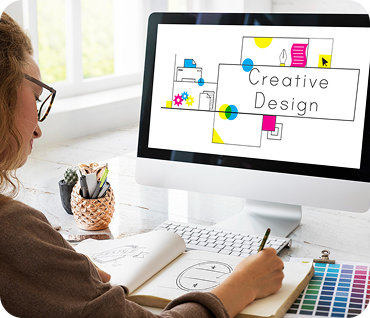
01 Build Your Design Foundation
Get introduced to visual principles like balance, contrast, alignment, and typography. Learn what makes great design work and how to make yours stand out.
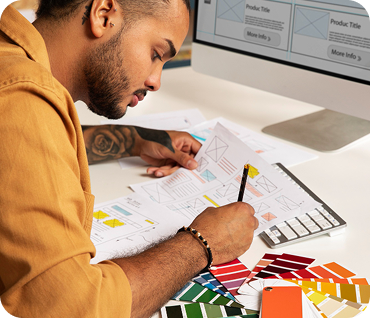
02 Master the Creative Tools
Hands-on training with Photoshop, Illustrator, Figma, Canva, and InDesign. From vector graphics to UI mockups, become fluent in industry-standard software.
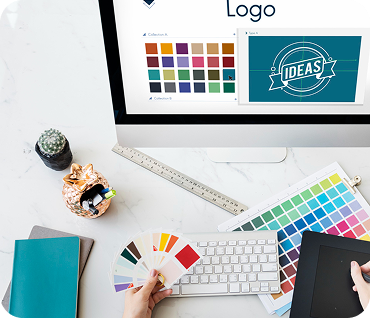
03 Understand Real-World Design Challenges
Work through real client-style briefs – designing logos, social media creatives, web banners, and brand assets that serve actual user goals and marketing needs.
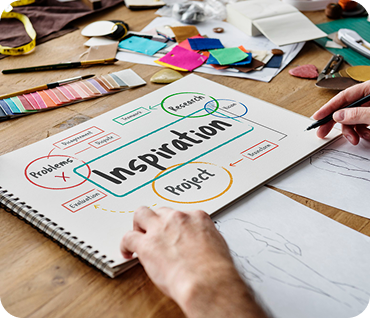
04 Learn the Art of Visual Storytelling
Craft compelling brand narratives, build design systems, and apply storytelling across layouts. Develop a design eye that speaks to both creativity and strategy.
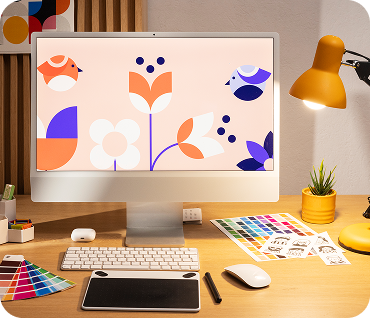
05 Build Your Portfolio, One Project at a Time
Design a professional portfolio with mentor feedback on every piece. From personal brand kits to ad campaigns, create work you’d be proud to show recruiters.
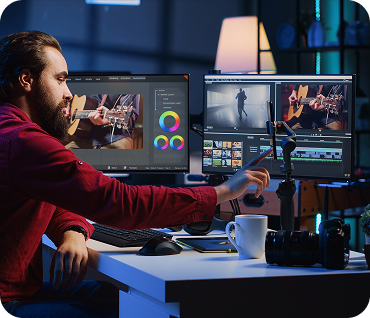
06 Get Ready for the Design Job Market
Refine your resume, optimize your Behance/Dribbble profiles, and prepare for design critiques and freelance gigs. Learn what agencies and clients actually look for.
Your Learning Journey Starts Here 🚀

Photoshop, Illustrator, InDesign for photo editing, vector graphics, print layouts, and brand asset creation.
Figma, Canva for creating UI mockups, responsive web graphics, and social media-ready content.
Google Workspace, Slack, Loom to streamline client communication, share drafts, and receive iterative feedback.
Behance, Dribbble, Google Slides for showcasing your work, building your creative identity, and sharing project walk-throughs.
Toggl, Notion, Trello for managing design projects, timelines, and client deliverables in a real-world setting.
.png)

Create logos, color palettes, typography systems, and brand guidelines for a fictional or real business
Use Figma to design user-friendly, visually engaging mobile screens based on a defined problem statement.
Use Figma to design user-friendly, visually engaging mobile screens based on a defined problem statement.
Work on dielines, product labels, and box art to create packaging that stands out on shelves and online.
Create brochures, event flyers, or editorial-style layouts using InDesign and apply principles of hierarchy and balance.
Google Analytics, Mixpanel to understand product usage patterns and define success metrics.
.png)
Not sure if this course is for you? If you fall into any of these
categories, you’re the
perfect fit
Aspiring Designers
& Creative
Beginners

Marketing &
Content
Professionals
Freelancers &
Side Hustlers
s
Brand Builders
& Small
Business Owners
.png)
.png)
.png)
Take the first step towards a smarter Future 🚀


August 11
Next enrollment opens
.png)
Classroom or Online Class
Flexible learning options
.png)
3 Months Duration
Part-time & full-time options
.png)
12 seats left
Small batch for personalized attention

August 16
Next enrollment opens
Classroom or Online Class
Flexible learning options
6 Months Duration
Part-time & full-time options
12 seats left
Small batch for personalized attention
.png)
Annual growth in demand for skilled visual designers in branding, UI/UX, and content marketing
.png)
Open graphic design roles across job portals, freelance platforms, and agencies
.png)
Estimated size of India’s digital design & creative services market by 2026
Limited Seats! Apply Early to Secure Yours.
Do I need any design experience or background to enroll?
What certification will I get after completing the course?
Will I learn tools like Photoshop and Figma in this course?
Is this course online or offline?
Will I receive career or freelance support after the course?
How long is the course and what’s the weekly schedule like?
What kind of projects will I work on during the course?
What roles can I apply for after completing the course?