.png) Call Us
Call Us
.png) WhatsApp Us
WhatsApp Us


Designed for Results : Get Certified 🎓, Build Portfolios 🚀,Land Better Jobs

Master Data Analytics, Business Intelligence, Data Visualization, and Power BI in this interactive training course for industry professionals. Discover how to build informative reports, interactive dashboards, and data-driven strategies.
Industry-Ready Training with 100% Placement Support
Enroll in our Data Analyst Course in Noida to receive practical exposure to real-world projects and participate in expert-led sessions. The Data Analytics Course in Noida teaches Power BI, data storytelling capabilities.


Take the first step towards a smarter Future 🚀

Top Tier Credentials

Powerful Network

Global Recognition
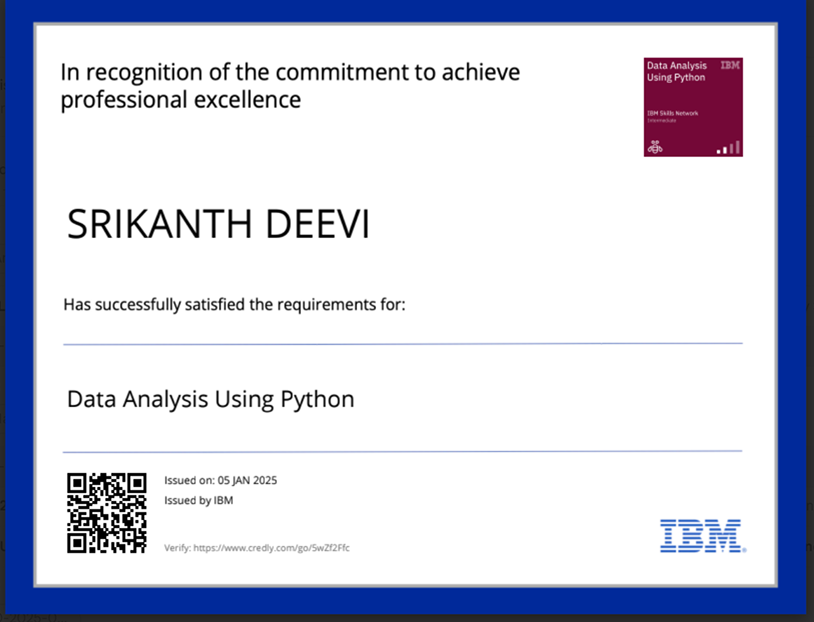


Get to learn from the best professionals and Power BI specialists.

Students gain practical knowledge through working on actual industry projects with case studies.

Get yourself data analytics, Power BI reports, dashboards, and automation expertise.

The facility of talking to a career counsellor to get personal job-seeking assistance and the relationships of hiring partners for an individual’s benefit.

Opt for either classroom or online training, whichever seems most convenient for you, and if you miss any class, then you can go through the recorded sessions.

Gain communication, professional etiquette, and work ethic Training.
What is Analytics?
Overview of Data Analytics
Importance and Growth of Analytics
Applications of Analytics in Business
Common Terminologies in Analytics
Methodologies in Analytics
Popular Analytics Tools & Their Usage
Business Use Cases of Analytics
Introduction and History of Python
Installation: Anaconda, Python, and IDEs (Jupyter, Pycharm, etc.)
Jupyter Notebook Setup and Customization
Libraries Overview: NumPy, Pandas, Matplotlib, etc.
Working with Packages & Namespaces
Data Types and Objects (String, List, Tuple, Dictionary)
Variables, Value Labels, Date/Time
Operators, Conditional Statements, Loops
Functions, Modules, and Exception Handling
File Reading & Writing
Debugging and Profiling Python Code
Introduction to NumPy
Creating and Manipulating Arrays
Universal Functions and Broadcasting
Indexing, Slicing, and Iteration
Array Shape Manipulation
Views and Copies
Advanced Indexing Techniques
Introduction to Pandas
Series and DataFrame Creation
Data Selection, Slicing, Boolean Indexing
Data Cleaning: Dropping, Selecting, Handling Missing Data
Data Transformation: Sorting, Ranking, Binning
GroupBy and Aggregation
Working with Strings in Pandas
Merging, Joining, Concatenation
Pivot Tables and Reshaping
Duplicate Handling and Custom Functions
Using Matplotlib:
Anatomy of a Plot
Pyplot vs Pylab
Creating and Customizing Plots
Subplots, Legends, Titles, Axes
Saving & Exporting Plots
Using Seaborn:
Introduction to Seaborn for Statistical Graphics
Distribution, Categorical, Relational, Regression Plots
Advanced Plot Customizations
Color Palettes and Themes
What is MySQL and RDBMS?
Creating, Modifying, and Deleting Databases & Tables
Data Types & Constraints (PRIMARY KEY, FOREIGN KEY, etc.)
CRUD Operations (SELECT, INSERT, UPDATE, DELETE)
Filtering: WHERE, IN, BETWEEN, LIKE
Functions: COUNT, SUM, AVG, MIN, MAX
Joins: INNER, LEFT, RIGHT, FULL
Indexes, Aliases, and Subqueries
Working with Limits and Sorting
Introduction to Tableau and Installation
Tableau Architecture and Versions
Interface Navigation and File Types
Connecting and Preparing Data Sources
Creating Visualizations using “Show Me”
Sorting, Filtering, and Aggregations
Calculated Fields and Cross Tabs
Designing Dashboards and Stories
Exporting and Sharing Visualizations
Introduction to Excel Interface and Options
Splitting Data, Flash Fill, Auto Fill
Data Formatting & Number Formats
Working with Tables, Comments, Freeze Panes
Functions: Text, Date/Time, Logical, Lookup, Statistical
Named Ranges, Data Validation, Conditional Formatting
Charts: Basic to Advanced
Pivot Tables and Pivot Charts
Dashboard Design in Excel
Introduction to Power BI
Architecture and Components
Power BI Desktop vs Power BI Online
Connecting Power BI to Excel, SQL, CSV, Web, etc.
Data Transformation Using Power Query
Query Editor Overview
Column and Text Transformations
Number, Date & Time Calculations
M Functions and Data Types
Data Modeling
Introduction to DAX
Measures, Calculated Columns & Tables
Row Context vs Set Context
Time Intelligence Functions
Reports and Visualizations
Using Report Editor
Filters, Slicers, Highlights
Charts: Bar, Line, Scatter, Tree Map, Funnel, KPI, etc.
Drilldown and Interactivity
Custom Visuals and Downloads
Dashboard Designing
Creating and Sharing Dashboards
Pinning Reports & Tiles
Adding Images, Text, and Videos
Focus Mode, Alerts, and Mobile View
Tips for Effective Dashboard Design
Dataset Refresh and Publishing
Local and Cloud Refresh Options
Configuring Scheduled Refresh
Privacy Settings and Optimization
Your Learning Journey Starts Here 🚀
.png)

Training

with recorded sessions.

Projects

real-world challenges.
 Why Learn
Data Analytics with Power BI
Why Learn
Data Analytics with Power BI
The #1 Tool Data-Driven Companies Demand
Your mastery of data visualization, analytics and business intelligence fundamentals will empower you to develop influential reports and dashboards. 📈
Practical experience comes from working on actual projects that involve data transformation as well as reporting tasks and automation work to achieve direct knowledge application. 🖥️
.png)
The globally recognized Power BI certification will both demonstrate your expertise and open better career opportunities. 📊
Study advanced Power BI subjects, which include DAX calculations, Power Query, and AI-driven analytics, to develop better data-driven decision-making skills. 🧠
Your Learning Journey Starts Here 🚀
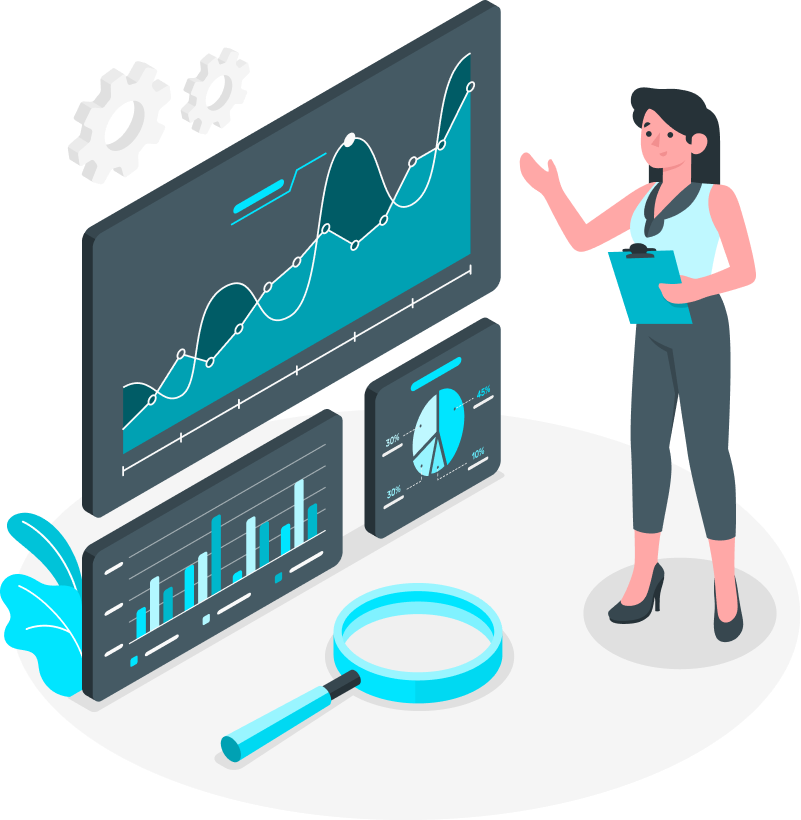
The tutorial teaches students how to develop interactive Power BI dashboards for sales analysis.

The training will teach you how to perform time series forecasting alongside financial modeling in Power BI.

The course teaches students about workforce analytics as well as HR reporting methods.
The lesson teaches a data-driven marketing approach alongside ROI tracking methods.

This section teaches students about data transformation while providing knowledge on KPI tracking.

The lesson teaches data visualization techniques for healthcare analytics.
Not sure if this course is for you? If you fall in any of these
categories, you’re the perfect fit!

Young Professionals

Mid Senior
Professionals
Project Managers
Team Leaders
Take the first step towards a smarter Future 🚀







.png)
 GitHub & LinkedIn
  Resume &Soft Skills
 Interview Readiness















Your Learning Journey Starts Here 🚀
.png)
.png)
.png)
Limited Seats! Apply Early to Secure Yours.
What is the scope of a career in Data Analytics with Power BI?
Who should enroll in a Data Analytics course?
What tools are covered in the Data Analyst Course in Noida?
● Power BI
● Python & SQL
● Excel & Tableau
● NumPy & Pandas
● Matplotlib & Seaborn
● Scikit-Learn
Does the course offer placement assistance?
● Resume-building workshops
● Mock interviews with industry mentors
● Exclusive job placement assistance
● 1-on-1 career mentorship
Is this course suitable for freshers?